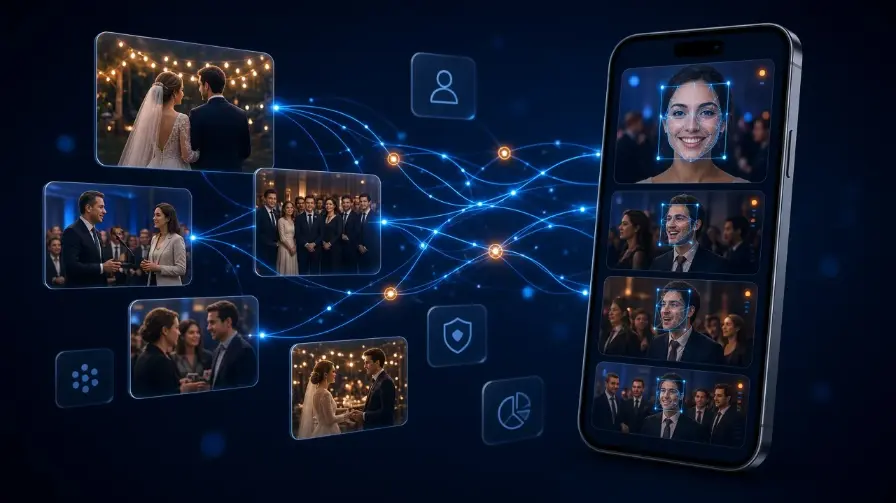
A studio buyer’s checklist for guest-facing event photo sharing platforms: QR entry, branded galleries, face-match discovery, and privacy controls — without rehashing how face AI works.
Introduction
Guests do not remember your raw file count. They remember whether they could find themselves in the gallery.
That is why event photo sharing has moved beyond Drive folders and WhatsApp dumps. Studios now look for an event photo sharing platform that combines delivery, discovery, and branding — especially AI face recognition photo sharing that lets people open a personal set of images in seconds. See how the full product stack works on the Cam-Shot AI homepage, How it works, AI Gallery, My Photos, Event Photo Sharing, and the full Features list — plus more guides on the Blog.
This guide explains what that platform should do, how face recognition photo sharing works for guests, and how photographers can share event photos using face recognition without drowning in support messages.
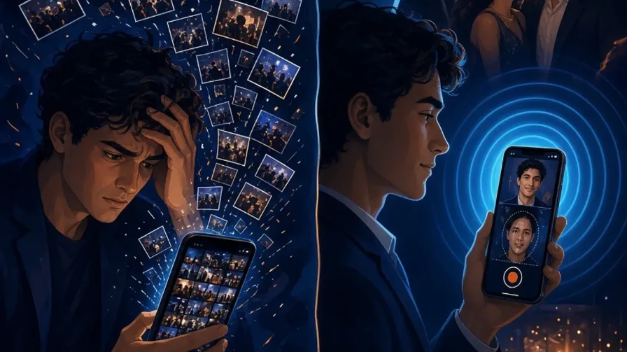
Storage dumps create scroll fatigue. Face-matched galleries create discovery.
What is event photo sharing?
Event photo sharing is the process of getting photographs from the photographer to guests, families, and organizers after (or during) an event.
A dedicated event photo sharing platform is different from a generic cloud folder. It is built around:
- Event galleries with access controls
- QR or link entry for guests
- AI discovery — especially face matching
- Branded studio experience
- Downloads, selection, and optional photo selling
In short: guests should not have to hunt. The platform should surface the photos that matter to them.
Why guest face galleries matter on a platform
Large events fail at discovery, not storage. A guest-facing platform should include face recognition photo gallery access so people can share event photos using face recognition without support tickets.
For the technical deep dive (embeddings, privacy, legality), use our tutorial: AI face recognition for event photography. This article focuses on what to buy — not how the model works.
Pro Tip: In proposals, sell the outcome: “Every guest finds their photos in seconds.” Leave model jargon for the technical FAQ page.
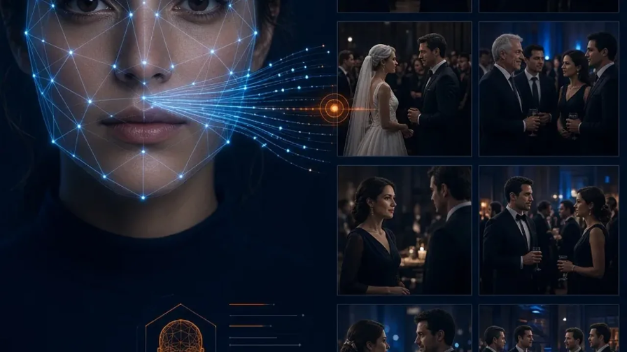
Selfie in. Personal gallery out. That is face recognition photo sharing.
How guests share and find event photos
A clean guest journey usually looks like this:
1. Entry. Guests scan a QR code or open a secure link — often the same pattern used in QR photo sharing for events.
2. Discovery. They use AI face recognition (selfie match) or browse collections — the same flow guests get in My Photos.
3. Engagement. They download, favorite, or purchase the frames they care about via photo selection and optional photo selling.
No app install should be required for the basic path. Mobile browser access is what makes event photo sharing work for mixed-age guest lists. Studios that want a branded app can explore Custom Mobile App.
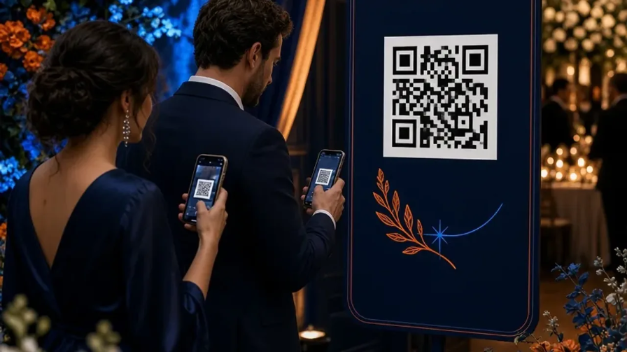
QR entry is the shortest path into a face recognition photo gallery.
Event photo sharing platform vs folders vs chats
| Folders / chat dumps | Event photo sharing platform |
|---|---|
| Guest search: manual scroll | Guest search: AI face recognition photo sharing |
| Branding: generic | Branding: studio-branded gallery |
| Access: long links, group chats | Access: QR + controlled links |
| Privacy: often overshared | Privacy: event-scoped matching |
| Sales: separate tools | Sales: optional in-gallery selling |
| Support load: high | Support load: low when discovery works |
For a deeper cloud-storage comparison, see Google Drive vs event photography software.
Features of a strong face recognition photo gallery
- AI face recognition photo sharing with selfie match — AI Gallery
- QR and link access for live events — Event Photo Sharing
- Private, event-scoped galleries
- Branding that keeps your studio visible — Custom Website
- Photo selection / favorites for albums — Photo Selection
- Highlight stories and reels — AI Event Highlights
- On-site slideshows — Cam-Shot TV
- Analytics so you know what guests opened — gallery analytics
- Team upload for multi-photographer coverage
- Guest notifications via WhatsApp integration
Face recognition alone is not enough — it has to sit inside a full event photo sharing platform workflow.
How studios worldwide use this workflow
The same pattern now shows up across markets: wedding-heavy seasons in India and Italy, conference delivery in the USA and UK, school and festival volume in the Philippines, and multi-day cultural events in Poland and Russia.
Wherever guest lists are large, share event photos using face recognition beats manual delivery. Language and venue change; the discovery problem does not. Explore industry workflows for weddings, corporate events, schools & colleges, sports events, music & art festivals, and live use cases like Holi Event.

One workflow for large events — from weddings to conferences.
What to look for in a guest-facing platform
Score vendors on guest UX first: mobile browser path, QR entry, branding, privacy, and discovery. Cam-Shot AI maps to that checklist with AI Gallery, QR sharing, Custom Website, selection, My Photos, and optional selling.
For market comparisons (not a buying checklist), read best event photography software in 2026. For how guests find themselves without scrolling thousands of images, read instant guest photo discovery. For culling/album tools. Compare plans on Pricing.
Conclusion
Pick an event photo sharing platform the way you pick a second shooter: by how it performs in front of guests. QR access, branded galleries, and face-match discovery reduce support and raise perceived quality.
Use this checklist on demos. If a tool cannot show a guest finding themselves in under a minute on a phone, it is still storage — not a guest-facing platform.
Explore More:
Best Event Photography Software in 2026 · QR Code Photo Sharing for Events · AI Photo Sharing for Events · AI Gallery · Photo Selling · My Photos · Event Photo Sharing · All Features · Pricing · AI Photo Selection · How It Works · All Blog Posts