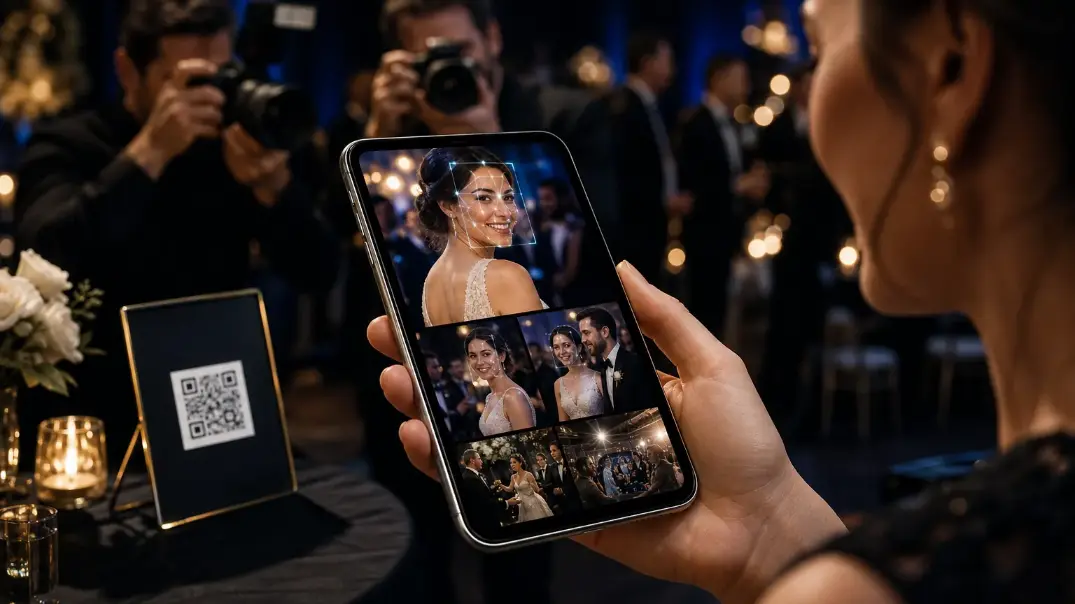
How AI photo sharing is transforming event photography with face recognition, QR access, and intelligent galleries—so guests find photos without scrolling thousands of images.
How AI photo sharing is transforming event photography with face recognition, QR access, and intelligent galleries—so guests find photos without scrolling thousands of images.
Introduction
Event photography has never been only about taking great photographs. The real challenge begins after the photographs are captured.
A single wedding, conference, corporate event or festival can generate thousands of images. Traditionally, photographers upload those images to a cloud folder and send guests a link. The guest then has to search through hundreds or even thousands of photographs to find themselves.
AI photo sharing is changing that experience.
With AI-powered face recognition, QR code access and intelligent event galleries, guests can discover photographs of themselves without manually searching through an entire gallery.
For photographers and event organizers, this means faster photo delivery, better guest engagement and a more professional digital experience.
Platforms such as Cam-Shot AI combine these capabilities into a complete event photography workflow.
What Is AI Photo Sharing?
AI photo sharing uses artificial intelligence to make event photographs easier to organize, discover and deliver.
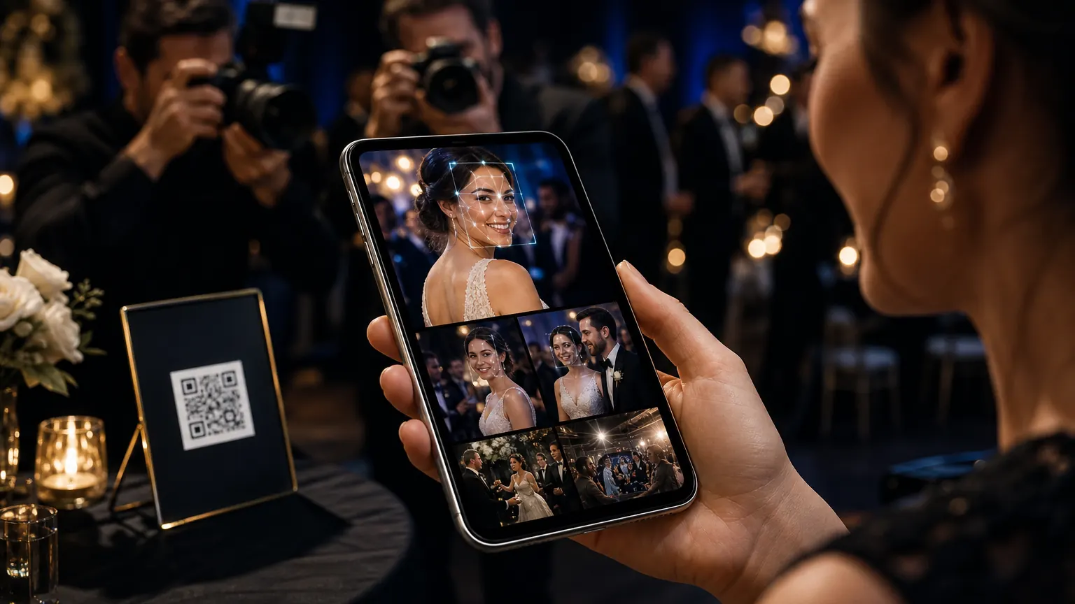
Instead of asking guests to scroll through an entire event gallery, AI can analyze photographs and identify faces. A guest can then provide a selfie, allowing the system to find photographs that match their face.
The experience becomes simple:
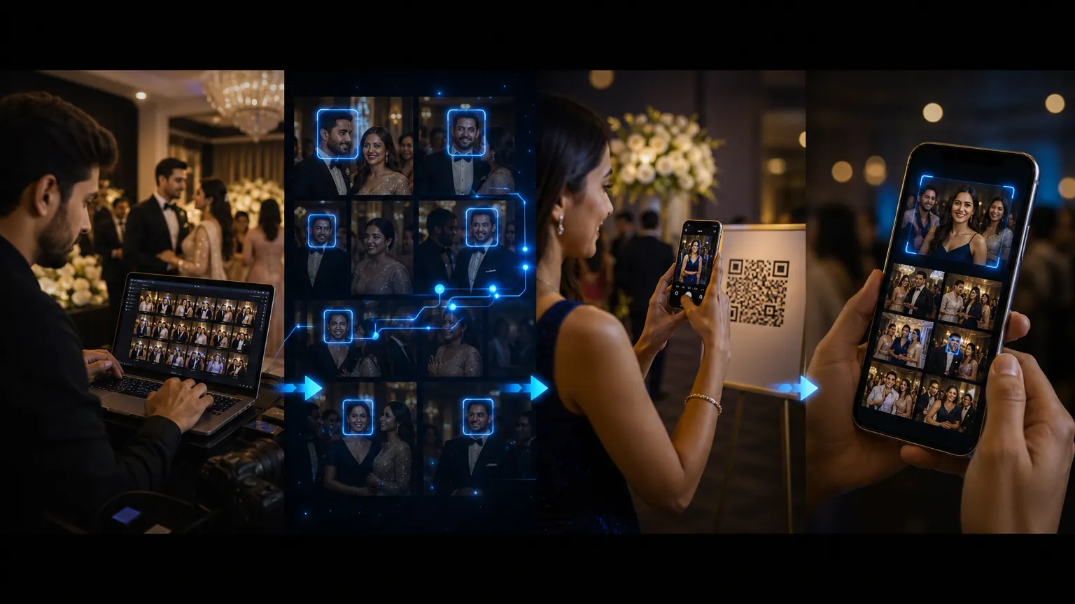
Photographer uploads photos → AI processes photographs → Guest scans QR code → Guest takes a selfie → AI finds matching photos → Guest views their personal gallery.
This is particularly useful for events where hundreds or thousands of photographs are captured.
Rather than saying:
Here is the gallery. Find yourself.
the experience becomes:
Here are your photos.
That small change can dramatically improve the way guests interact with event photo sharing.
How AI Face Recognition Photo Sharing Works
One of the most useful applications of AI in event photography is AI face recognition photo sharing.
The technology allows photographs to be indexed and matched against a guest's face.
1. Upload event photographs
The photographer creates an event and uploads photographs to the platform.
The images are processed automatically so they can be delivered efficiently through the event gallery.
2. AI analyzes the photographs
The platform detects faces within the uploaded photographs.
Cam-Shot uses event-specific face recognition collections to associate detected faces with photographs. This allows the system to search for matching images later.
3. Guests access the event
Guests can join an event through an event link or QR code photo sharing experience.
The QR code can be displayed on event signage, tables, screens, invitations or other physical touchpoints.
4. Guests provide a selfie
The guest registers their face using a selfie.
The AI then searches the event photographs for matching faces.
5. Guests discover their photographs
Instead of browsing the complete event gallery, the guest can access photographs associated with them.
This makes photo discovery faster, more personal and much more convenient.
QR Code Photo Sharing: A Faster Way to Access Event Photos
The other important part of the modern event photography experience is QR code photo sharing.
Guests already use their smartphones throughout an event. A QR code allows them to access the digital photo experience without typing a long URL or searching for an email.
A photographer can display a QR code:
- At the entrance
- On welcome boards
- On tables
- On event screens
- On photo booth displays
- On event badges
- In post-event communications
A guest simply scans the code and enters the event experience.
When QR access is combined with AI face recognition, the workflow becomes even simpler:
Scan → Selfie → Find Photos → View → Download
This is particularly useful for weddings, conferences, corporate events, school functions, sports events and large celebrations.
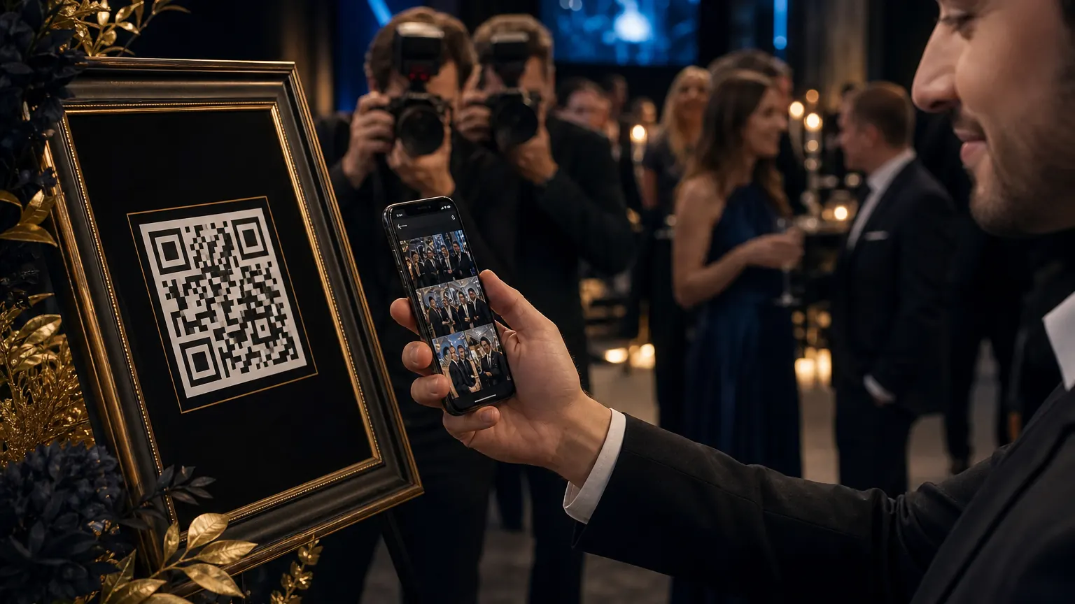
QR code photo sharing gives guests instant gallery access without typing a long URL.
Why Event Photo Sharing Is Better With AI
Traditional event photo sharing focuses primarily on delivering a gallery link.
AI-powered photo sharing goes further by improving the discovery experience.
Faster photo discovery
Guests don't have to manually search through thousands of photographs.
Better guest experience
People are more likely to interact with photographs when finding them is quick and easy.
Less manual work
Photographers don't need to repeatedly search galleries for individual guests.
More professional delivery
Instead of sending a generic cloud-storage folder, photographers can provide a dedicated branded event gallery.
Greater engagement
Features such as reactions, comments, personal albums and highlights can turn a photo gallery into an interactive event experience.
Additional revenue opportunities
Modern event photography platforms can also allow photographers to sell photographs and videos directly through the gallery.
Cam-Shot supports event media selling, including pricing, checkout, purchase entitlements and downloads.
What Makes the Best Photography AI Tool?
There are many tools marketed as the best photography AI tool, but photographers should look beyond the presence of AI.
The important question is:
Does the AI solve a real photography workflow problem?
For event photographers, useful capabilities include:
AI-powered face discovery
Guests should be able to find photographs featuring them without manually browsing the entire gallery.
Intelligent photo organization
Photographers should be able to organize photographs into events and collections without unnecessary manual effort.
AI-powered highlights
AI can help identify and organize important photographs from an event.
Cam-Shot supports different highlight experiences, including event-wide, collection-wide and personal highlights, along with memory-oriented collections.
Automated workflows
The platform should reduce repetitive work instead of adding another complicated tool to the photographer's workflow.
Business features
The best solution should also help photographers run their business through features such as branding, quotations, photo selling, analytics and collaboration.
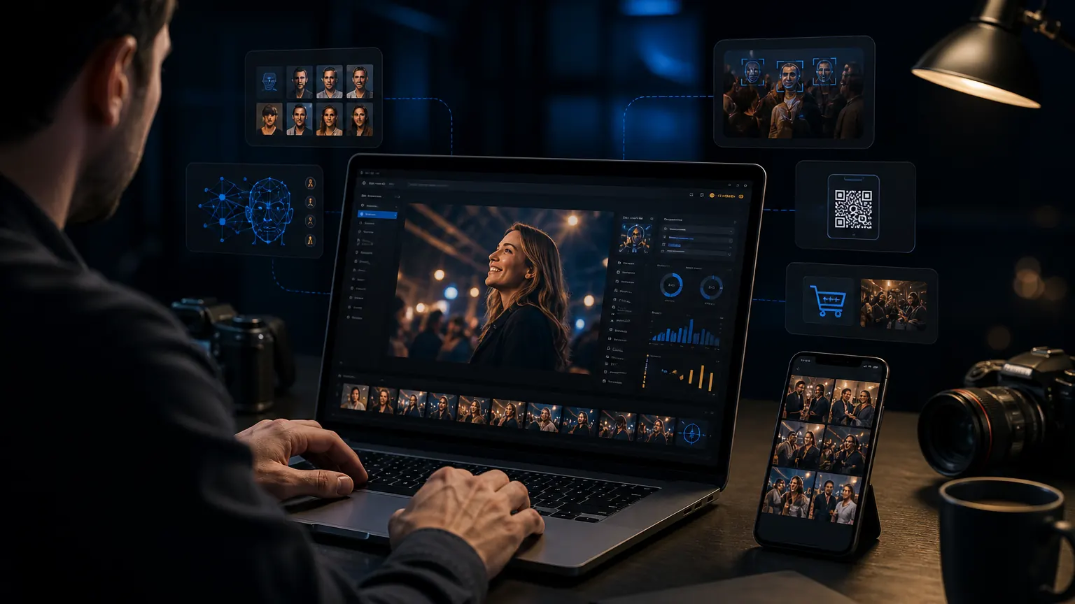
The best photography AI tools solve real workflow problems: discovery, organization, highlights and delivery.
Event Photography Software: What Should Photographers Look For?
Choosing event photography software should be about the entire workflow rather than a single feature.
A professional platform should ideally support:
The goal is to have one platform that connects photography, delivery, engagement and business management.
If you are still delivering galleries through Drive folders, see how dedicated platforms compare in our guide to Google Drive vs event photography software.
How Cam-Shot Brings AI Photo Sharing Together
Cam-Shot is built for professional photographers, studios and event organizers who want more than a basic photo gallery.
The platform connects the complete event photography workflow:
Create Event → Upload Photos → AI Processing → Face Recognition → QR Sharing → Personal Gallery → Highlights → Engagement → Download → Sell
Cam-Shot provides features including:
- AI face recognition
- Event photo galleries
- QR-based event access
- Collections
- Personal albums
- AI-generated highlights
- Memory collections
- Photo and video selling
- Studio branding
- Portfolio pages
- Event analytics
- Collaborator management
- AI-assisted quotations
- Google Drive integration
- Instagram integration
- TV / photo casting
The result is a complete event photography software experience rather than simply another place to store photographs.
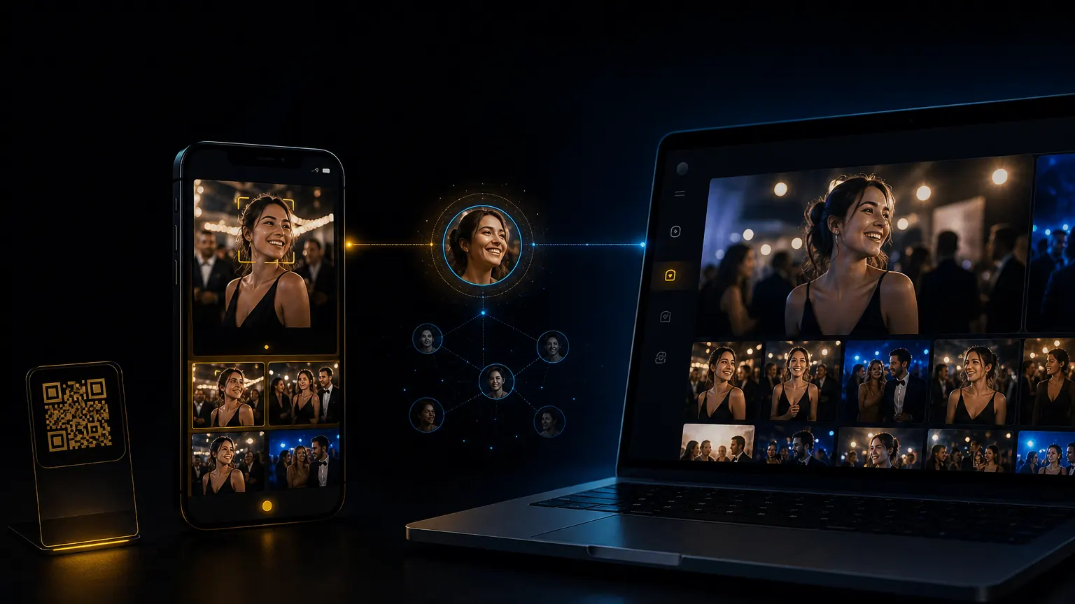
Cam-Shot connects AI face recognition, QR sharing, galleries, highlights and selling in one workflow.
The Future of Event Photo Sharing
Event photography is moving beyond the traditional:
Capture → Edit → Upload → Send Link
The modern workflow is becoming:
Capture → AI Processing → Discover → Engage → Share → Monetize
That shift is important because the value of event photography doesn't end when the shutter is pressed.
Guests want to find their photographs quickly.
Photographers want to reduce repetitive work.
Event organizers want better attendee engagement.
And photography businesses want opportunities to generate additional revenue.
AI photo sharing brings these requirements together.
With AI face recognition, QR code photo sharing, personalized galleries and intelligent highlights, event photography can become a much more interactive digital experience.
For photographers and event organizers looking to modernize how they deliver memories, Cam-Shot provides an AI-powered platform designed around the complete event photography journey.
Keep going
Ready to replace “find yourself” galleries with “here are your photos”?
AI Face Recognition for Event Photography
Learn how AI face recognition helps guests find their event photos instantly without manually searching through galleries.
Best Event Photography Software in 2026
Compare the best event photography platforms and discover the tools photographers use to simplify photo delivery.
Event Photography Workflow Guides
Explore practical guides for improving event photography, photo delivery, guest engagement, and workflow automation.
Explore more:
AI Gallery · QR Photo Sharing · Photo Selling · Pricing