Android TV AppYour photos.
Your photos.
On the big screen.
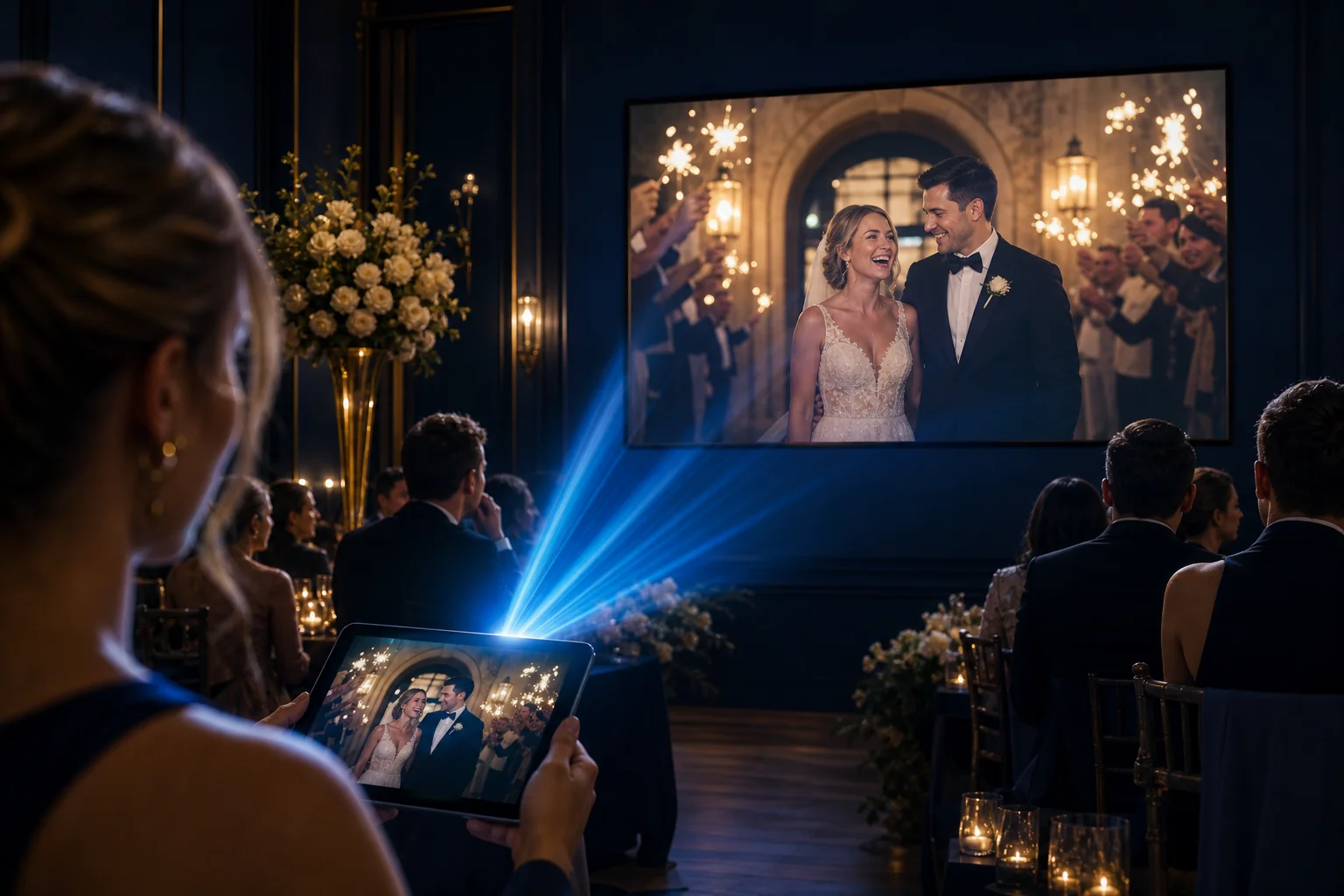
The Cam-Shot TV app turns any Android TV into your event gallery. Sign in with code, QR, or email — then browse collections, photos, and slideshows.
The Cam-Shot TV app turns any Android TV into your event gallery. Sign in with code, QR, or email — then browse collections, photos, and slideshows.
Sign in on TV, browse your event collections, and run slideshows — the same guided flow as on the homepage.
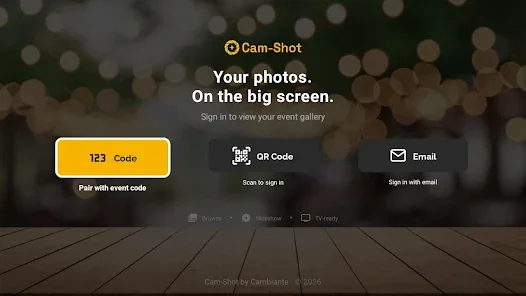
Open the Cam-Shot TV app and choose event code, QR scan, or email — whichever works best on site.
Point your phone camera at the QR code on TV. Follow the link to sign in — no typing on a remote control.
Display an 8-character code on TV. Enter it at cam-shot.com/tv from your phone or computer — valid for 15 minutes.
Jump to All photos & videos, My Photos, or a specific event collection — built for remote-friendly navigation.
Each event shows its cover, date, and scrollable galleries — ready for client viewing at the venue or in your studio.
Everything you need to showcase photography on the largest screen in the room.
Browse all photos and videos, My Photos, and event collections from a TV-friendly quick actions screen.
Open full-resolution images and watch video clips from each event on your living-room or venue display.
Run an automatic fullscreen slideshow — perfect for receptions, lobbies, and studio viewing areas.
Pair with an event code, scan a QR code from your phone, or sign in with email — whichever is easiest on site.
Download the Cam-Shot TV app on Google Play for Android TV.
Download for Android TVUpload event photos in Cam-Shot Studio, then sign in on TV with code, QR, or email to show galleries on the big screen.
Get Started FreeNo credit card required
Explore related features and solutions
AI-powered face recognition automatically organizes photos so guests find their photos instantly with a selfie.
Real-time collaborative photo selection tool that allows clients to like, comment, and select photos.
See flexible pricing plans designed for photographers and studios of all sizes.