Before Event

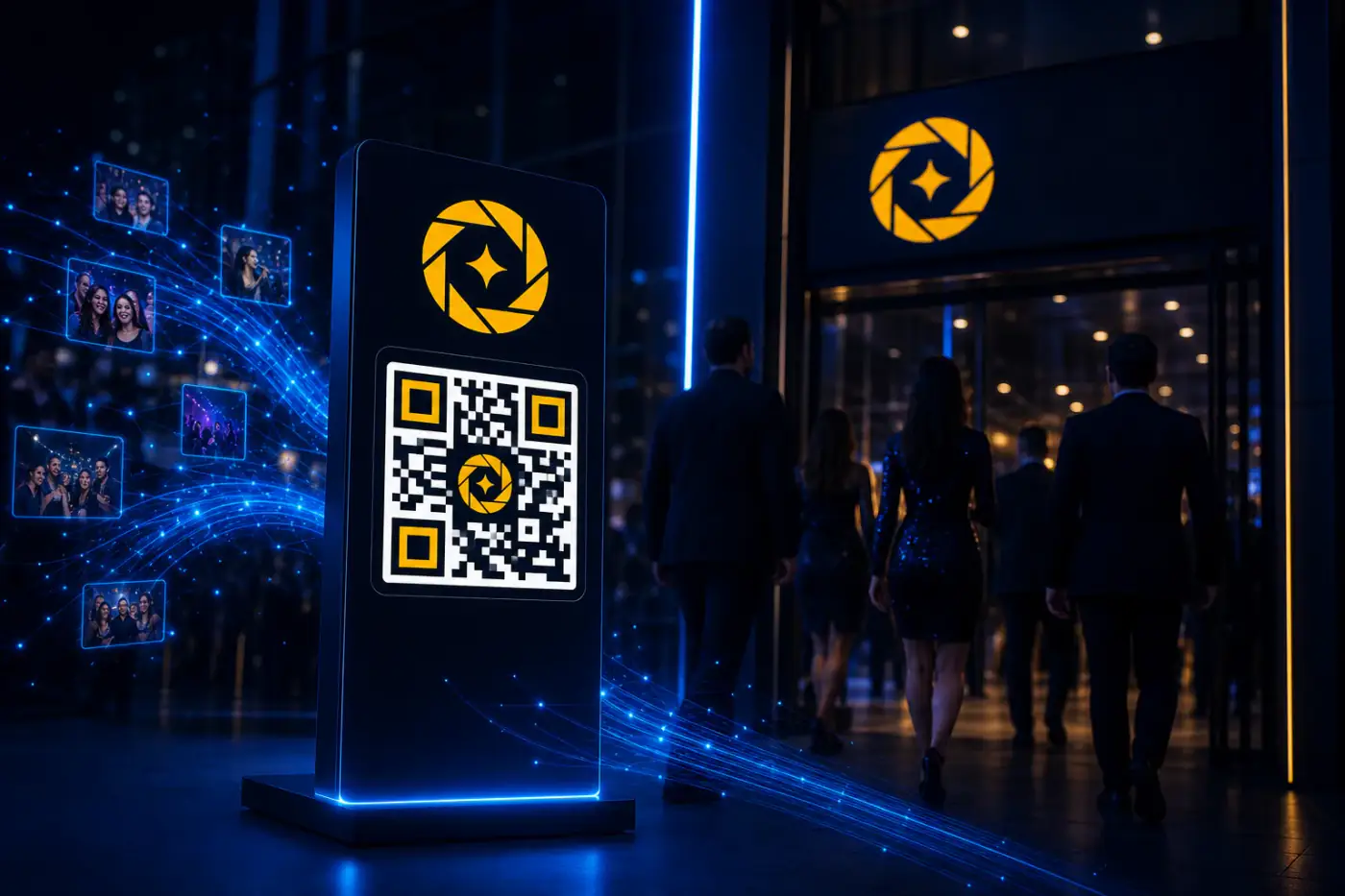
Place QR
Place the QR code at the venue, near entrance or a place accessible by the guests.

Scan & Register
Guests can scan and register in the event. They can register their selfie as well.

Upload & Publish
Upload the photos whenever they are ready after the event. Publish the Gallery to make it live for guests.

Get Photos
Cam-Shot AI AI will instantly search all your guests photos from thousands of photos within seconds. They can enjoy their best candid photos, after all happy guest = good reviews
After Event

Upload Event Photos
Create an event and upload all the event photos. For example, you can create an event for 'Virat & Anushka' and upload all the photos from the event.

Share Event Link
Share a secured gallery link with your clients. You have full control over the access and privacy of the gallery.

Guest Upload Selfie
Guests can access the link and browse the gallery. They can easily find their photos by simply uploading a selfie.

Get Photos
Cam-Shot AI AI will instantly search through all the event photos and find matches for each guest. They can enjoy their best candid photos, happy guests lead to good reviews!

FROM CAMERA TO GUESTS
WITHIN MINUTES
How it works

Create Event and Get QR Code
Set up your event in minutes and generate a unique QR code for instant guest access.

Guests Scan QR Code and Register
Guests simply scan the QR code with their phone—no app download required.

Upload Photos and Publish Event
Upload your photos and our AI automatically organizes them by face recognition.

Guest get notified about their photos
Guests receive instant notifications and can access their personalized photo gallery immediately.

Frequently Asked Questions
Common questions about how Cam-Shot AI works

How long does it take to set up an event?
Setting up an event takes just minutes. Create the event, get your QR code, and you're ready to go. The entire setup process typically takes less than 5 minutes.

Do guests need to download an app?
No! Guests can access the gallery through any web browser on their smartphone, tablet, or computer. No app download required - just scan the QR code or use the link.

How fast is photo processing?
Photos are processed in real-time as they're uploaded. AI face recognition typically completes within seconds, allowing guests to access their photos almost immediately.

Can I use this for events happening right now?
Yes! Cam-Shot AI supports real-time photo sharing. You can upload photos during the event, and guests can access them immediately as they're published.

What if guests don't have smartphones?
Guests can access the gallery using the secure link on any device - smartphone, tablet, or computer. They can also use AI face recognition on desktop computers with webcams.

How secure is the gallery access?
Very secure! You can add PIN protection, password protection, or keep galleries private. Guests only see their own photos when using AI face recognition, ensuring complete privacy.

Start Automating
Your Photo Workflow?
Cam-Shot AI is the best tool for event organizers and professional photographers. Revolutionary media asset management for creators, photographers and event organisers.
With Smart AI Tools, we reduce efforts and increase productivity
No credit card required