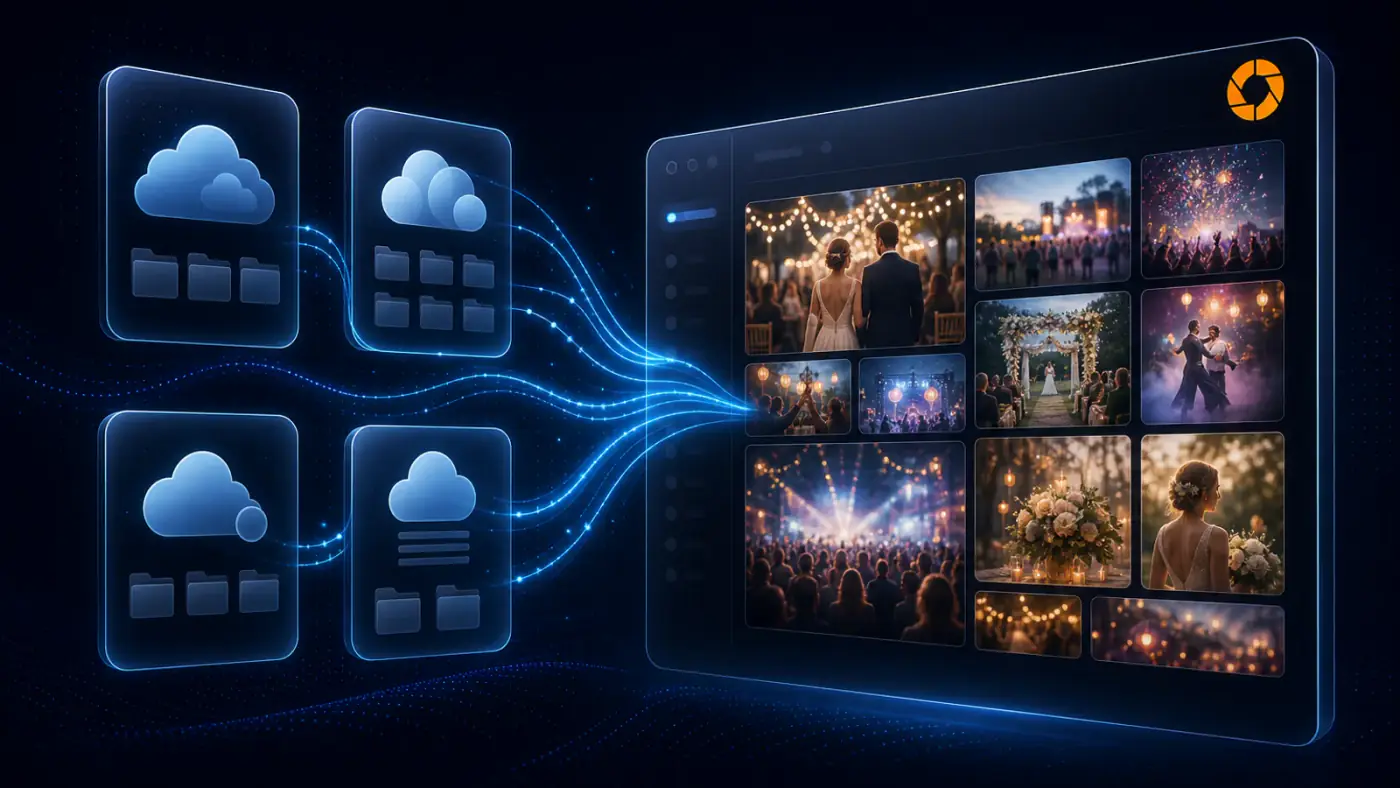
Connect, Copy & Create
From Cloud to Gallery
Import photos from Google Drive, Dropbox, OneDrive, or Box into your Cam-Shot gallery. No downloads. No duplicates.
Open Integrations from your studio sidebar to connect Google Drive and more. One hub for every workflow tool your photography business needs.
Plug Cam-Shot AI into Google Drive, OneDrive, Dropbox, or Box and watch your photos flow in—securely and at server speed.
OAuth-secure · Read-only access · Disconnect anytime
Stop juggling ZIPs and external drives. Pull large photo sets from the cloud at server speed.
All your photos in one Cam-Shot gallery—searchable, shareable, and organized.
After import, AI tags faces and applies your branding so clients get a ready gallery in minutes.
Authorize Google Drive from your studio, manage connected accounts, and import folders server-to-server — exactly as shown in the Cam-Shot dashboard.
Select "Connect Google Drive / Dropbox / OneDrive / Box." We'll open a secure OAuth window—no passwords stored.
Browse your cloud, choose any folder or single file, and hit Import. Cam-Shot AI queues the transfer server-to-server.
Our engine tags faces and keywords, then builds fast previews for quick viewing.
Send branded links or enable auto-notifications so guests receive photos the moment processing finishes.
Your data is protected with industry-leading standards.
Tokens only, passwords never touch our servers.
End-to-end protection for every pixel.
Import exactly the folders you choose; revoke access in a click.
Full data-subject controls, export, and deletion on demand.
Common questions about connecting and using cloud storage with Cam-Shot AI
Cam-Shot AI integrates with Google Drive, Dropbox, and OneDrive. You can connect multiple cloud storage accounts and automatically sync your event photos.
Once connected, Cam-Shot AI automatically detects new photos uploaded to your cloud storage folders and imports them into your event galleries. You can set up folder monitoring for seamless workflow.
Yes! You can export selected photos, edited images, or entire galleries directly to your connected cloud storage accounts in original quality.
Absolutely. We use OAuth 2.0 authentication and never store your cloud storage credentials. All data transfers are encrypted, and you can revoke access at any time.
Yes, you can connect multiple cloud storage accounts simultaneously. This is perfect for photographers who use different services for different purposes or clients.
We support all standard photo formats including JPEG, PNG, HEIC, RAW files (from major camera manufacturers), and more. Original quality is preserved during import.
Explore related features and solutions
Send instant photo delivery notifications directly to guests via WhatsApp with branded messages.
Track gallery performance and user engagement with Google Analytics, Meta Pixel, and more.
Discover all available integrations to streamline your photography workflow.