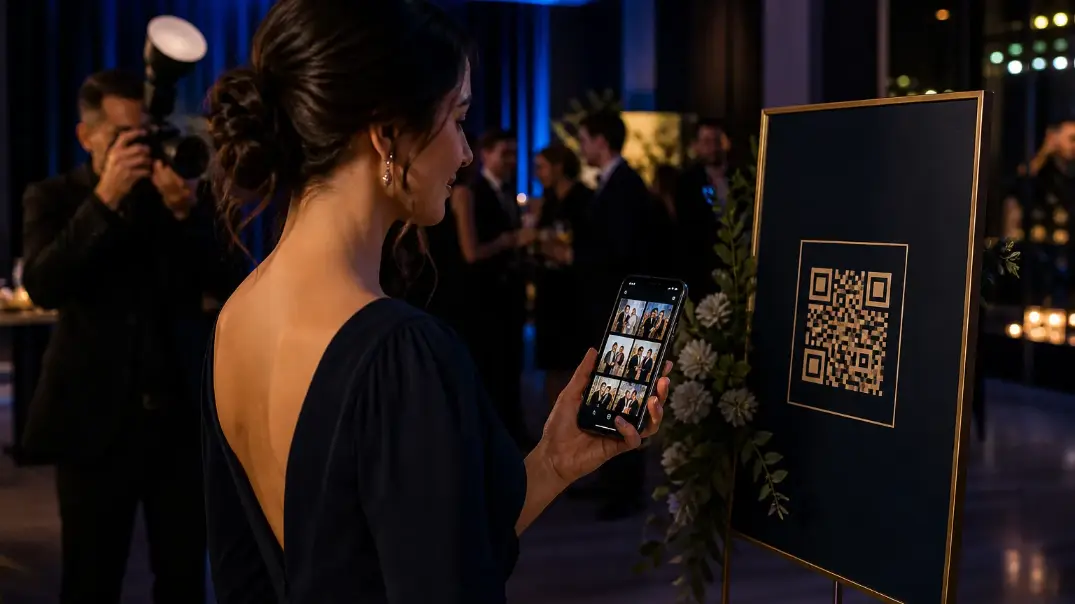
How QR code photo sharing helps guests access event galleries instantly—and how combining QR with AI face recognition turns scan into find-my-photos discovery.
Introduction
At modern events, almost everyone has a smartphone.
So why are event photographs still delivered through complicated links, messaging groups and generic cloud-storage folders?
QR code photo sharing provides a much simpler answer.
A guest scans a QR code, opens the event gallery and can begin discovering photographs from their smartphone.
When QR codes are combined with AI face recognition, the experience becomes even more powerful.
Instead of simply opening a gallery, guests can find photographs featuring themselves.
The result is a simple experience:
Scan → Selfie → Find Photos → View → Download
For photographers, event planners and studios, this can turn photo delivery into a seamless part of the event itself.
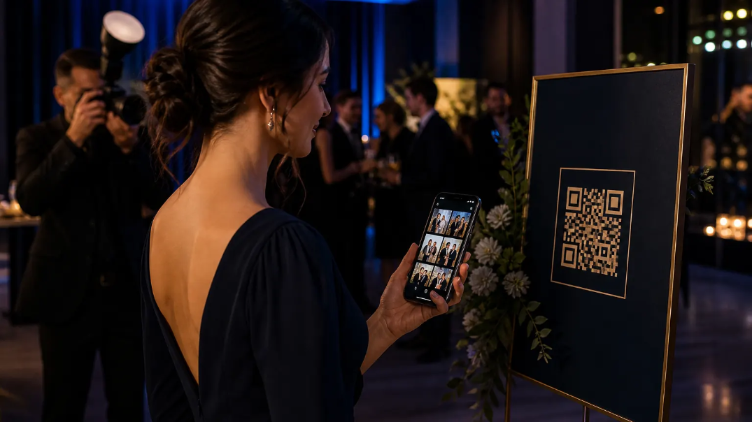
QR codes connect the physical venue to an instant digital photo experience.
What Is QR Code Photo Sharing?
QR code photo sharing allows guests to access an event's digital photo gallery by scanning a QR code with their smartphone.
Instead of typing a URL, searching through email or waiting for a gallery link, guests can access the experience directly.
The QR code can be placed almost anywhere:
- Welcome boards
- Reception desks
- Table cards
- Event screens
- Photo booths
- Event programs
- Conference badges
- Invitations
- Venue displays
This makes QR codes particularly effective for physical events because the digital experience is connected directly to the physical venue.
How QR Code Photo Sharing Works
The process is straightforward.
Step 1: Create the event
The photographer creates an event gallery and uploads photographs.
Step 2: Generate the event QR code
A unique QR code provides access to the event experience.
Step 3: Display the QR code
The code can be placed around the venue.
Step 4: Guests scan it
Guests use their smartphone cameras to scan the QR code.
Step 5: Guests access their photos
They can browse the event gallery and, where enabled, use AI-powered face recognition to find photographs featuring them.
This workflow eliminates many of the unnecessary steps associated with traditional photo delivery.
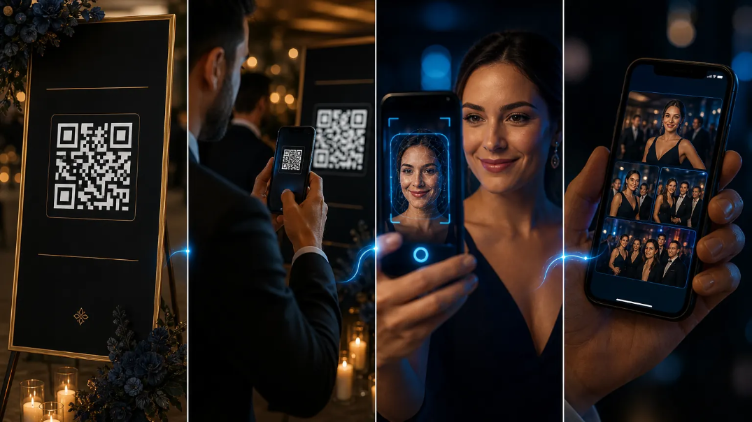
From scan to personal gallery: how QR photo sharing works at events.
Why QR Codes Work So Well at Events
Events are physical environments. People move between rooms, tables, stages and activities.
They may not remember a website address or have time to search their email.
A QR code is visible and immediately actionable.
A photographer can display one at the entrance. Another can be placed near the photo booth. Another can appear on table cards.
The more accessible the QR code is, the easier it becomes for guests to enter the photo experience.
This makes QR code photo sharing particularly useful for high-attendance events.
QR Code + AI Face Recognition
QR codes solve one problem:
How does the guest access the gallery?
AI face recognition solves another:
How does the guest find themselves in the gallery?
Together, they create a much stronger experience.
Traditional experience
Receive link → Open gallery → Browse thousands of images → Search manually
AI-powered experience
Scan QR → Register selfie → AI finds matching photographs → Personal gallery
This combination is one of the most important developments in modern event photo sharing.
Cam-Shot's public event experience supports event access, face registration and personalized “My Photos” discovery.
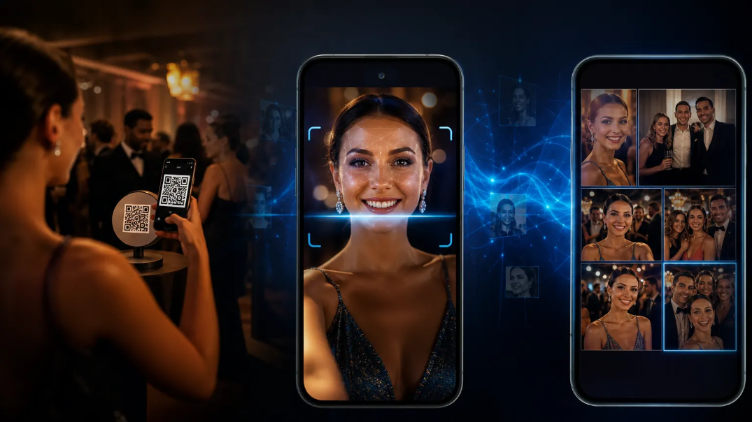
QR gets guests in. AI face recognition helps them find themselves.
QR Code Photo Sharing for Weddings
Weddings are one of the strongest use cases.
A wedding photographer may capture thousands of photographs across mehendi, haldi, ceremony, reception, couple portraits, family portraits, dance performances and candid moments.
Guests want to see themselves, their friends and their family.
A QR code displayed at the venue provides an easy way to access the gallery — on welcome signage, dinner tables, wedding programs, photo booths and reception displays.
When combined with AI face recognition, guests can move from scanning the QR code to discovering their personal photographs.
See also wedding photo sharing.
QR code photo sharing for corporate events
Corporate attendees may want speaker photographs, networking photographs, team pictures, headshots, award photographs and brand activation images.
A QR-based gallery can give attendees direct access to the event's photographs — and reinforce the event brand for organizers.
Explore corporate event photo sharing.
QR code photo sharing for sports events
Sports photography can generate enormous volumes of images. Athletes and families typically want to find photographs of a specific participant.
AI-powered photo discovery combined with QR access can reduce the friction between the athlete and the gallery:
Scan → Selfie → Match → Photos
This is especially valuable when thousands of participants or spectators are involved. See sports event photo sharing.
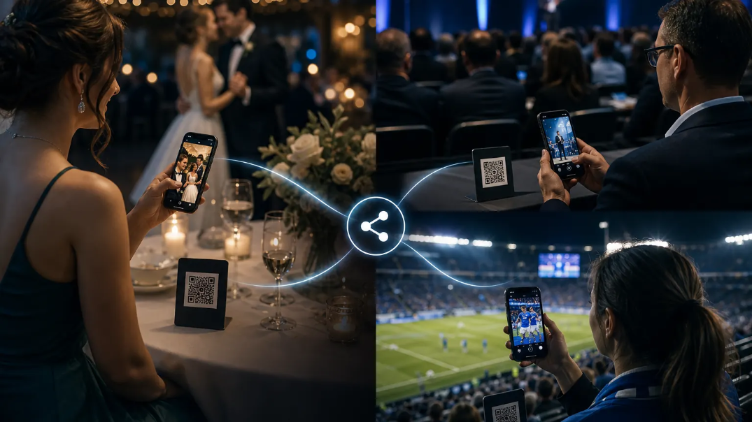
One QR-access pattern works across weddings, corporate events and sports.
QR Code Sharing vs Google Drive
Google Drive can store photographs. But storage and photo discovery are not the same thing.
| Google Drive | Event Photo Platform |
|---|---|
| File storage | Event gallery |
| Folder browsing | Photo discovery |
| Generic interface | Branded experience |
| Manual searching | AI face recognition |
| Basic sharing | QR event access |
| Limited guest experience | Personalized galleries |
| No event-specific workflow | Event management |
| Limited monetization | Photo selling |
Cam-Shot includes event galleries, QR functionality, face recognition, branding, downloads, engagement and media selling.
You can also read our comparison of Google Drive vs event photography software.
How Photographers Can Use QR Codes Strategically
Don't simply generate one QR code and forget about it. Place QR codes where guests naturally pause.
- At the entrance — introduce the photo experience immediately
- On tables — guests can discover photographs while sitting
- Near the photo booth — connect booth experiences with the event gallery
- On event screens — make the gallery visible to large audiences
- On printed materials — include the QR code on programs and cards
- After the event — use the QR code or event link in follow-up communications
The goal is to make photo discovery feel like a natural part of the event.
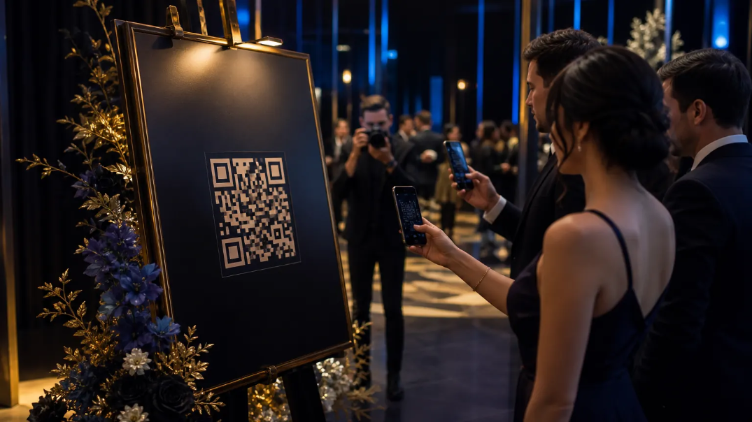
Place QR codes where guests naturally pause — entrances, tables, booths and screens.
How Cam-Shot Brings QR Photo Sharing Together
Cam-Shot connects QR-based access with the broader event photo experience.
A photographer can:
- Create an event
- Upload photographs
- Configure event access
- Share the event using QR codes
- Allow guests to register their faces
- Provide personalized photo discovery
- Enable downloads
- Enable engagement
- Sell photographs or videos
- Review event activity
The platform also supports event branding, collections, personal albums, highlights and other guest-facing capabilities.
For a broader look at AI-powered photo delivery, read AI Photo Sharing for Events.
For the face-recognition technology behind personalized discovery, read AI Face Recognition for Event Photography.
For what platforms should include in 2026, read Best Event Photography Software in 2026.
The Future of QR Code Photo Sharing
QR codes are not valuable simply because they are QR codes.
Their real value comes from what happens after the scan.
When a QR code opens a smart event experience containing AI-powered photo discovery, personalized galleries, highlights and downloads, it becomes more than a link.
It becomes the bridge between:
Physical Event → Digital Experience
That is where modern event photography is heading.
Conclusion
The future of event photo sharing is becoming faster, more accessible and more personalized.
QR codes make access simple. AI face recognition makes discovery personal. Event galleries make organization easier. And professional photography software connects everything together.
For photographers who want to provide a premium guest experience, QR code photo sharing is becoming an important part of modern event photography.
Explore more:
AI Photo Sharing · QR Photo Sharing · Wedding Photo Sharing · Pricing