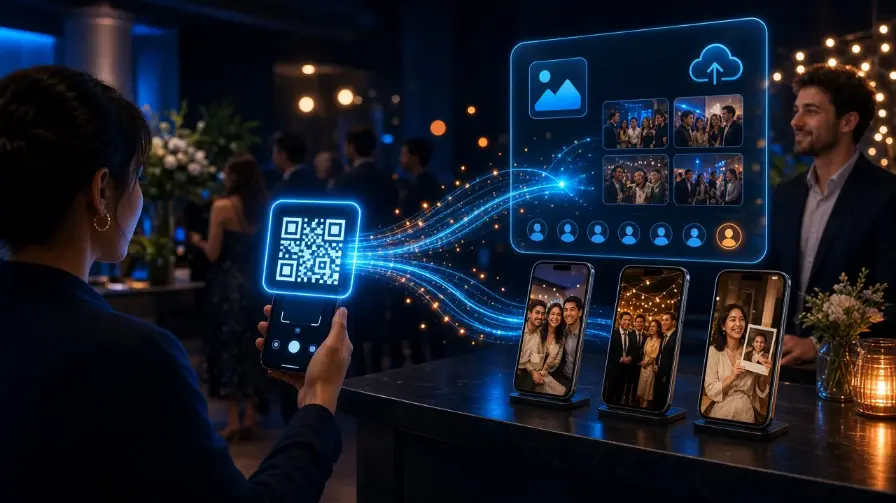
How same-day event photo delivery works: instant sharing apps versus WhatsApp dumps, live uploads, and what photographers should sell as a premium add-on.
Introduction
Clients increasingly ask for photos the same day — sometimes during the event. That demand created a new category: instant photo sharing for live events.
Photographers now evaluate photo sharing apps for events, AI photo sharing tools, and full event photo delivery platform products that go beyond a camera roll dump.
This guide clarifies what “instant” should mean, how an AI photo sharing platform differs from WhatsApp, and how to pick the best photo sharing app for events without sacrificing brand or quality. See how the full product stack works on the Cam-Shot AI homepage, How it works, Event Photo Sharing, AI Gallery, Custom Mobile App, and Features — with more delivery guides on the Blog.
Instant sharing is a delivery system — not a chat thread.
What instant photo sharing means for events
Instant photo sharing does not mean publishing every unedited frame. It means guests can access approved photos quickly — minutes or hours after capture — through a controlled gallery.
A photographer with instant sharing typically:
- Uploads continuously or in batches from the venue
- Publishes a live or near-live gallery
- Lets guests enter via QR or link
- Uses AI discovery so people find themselves fast
Speed without structure creates chaos. Speed with a delivery platform creates delight.
Photo sharing apps for events vs chat apps
People still say “just send it on WhatsApp.” That works for ten photos. It fails for a thousand. If you do notify guests by chat, keep the chat as a link channel — not the gallery itself — using WhatsApp integration.
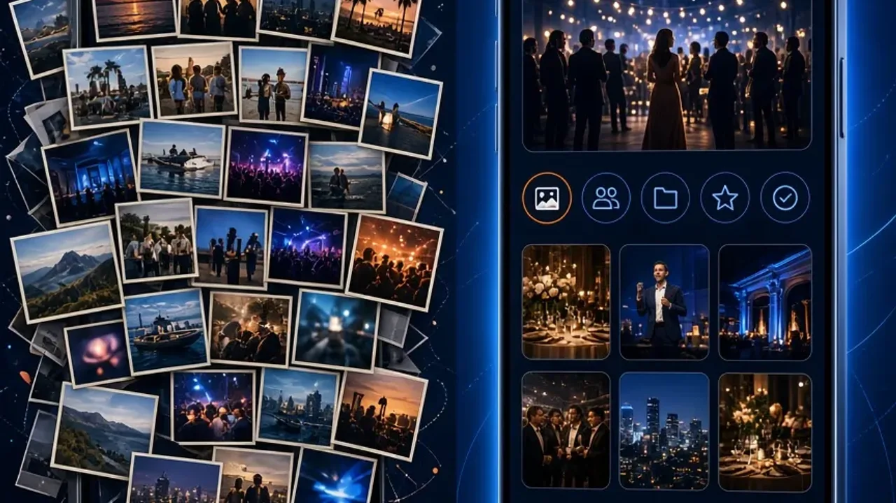
Chat apps compress and bury images. Event platforms organize them.
| Chat / social dumps | Event platforms |
|---|---|
| Quality — Often compressed | Quality — Full-resolution options |
| Discovery — Scroll the same pile | Discovery — AI photo share / face match |
| Brand — Invisible | Brand — Studio-branded |
| Control — Forwarded forever | Control — PIN, expiry, download rules |
| Sales — Awkward | Sales — Built-in checkout possible |
What an event photo delivery platform must include
An event photo delivery platform should cover the full path from camera to guest:
- Fast upload (tethered, Wi-Fi, or batch)
- Gallery publishing controls
- Guest access (QR / link) via event photo sharing
- AI photo sharing for discovery with AI Gallery and My Photos
- Downloads and optional monetization via photo selling
- On-site screens with Cam-Shot TV
- Analytics for post-event reporting — analytics
If a tool only “posts images,” it is not a delivery platform — it is a feed.
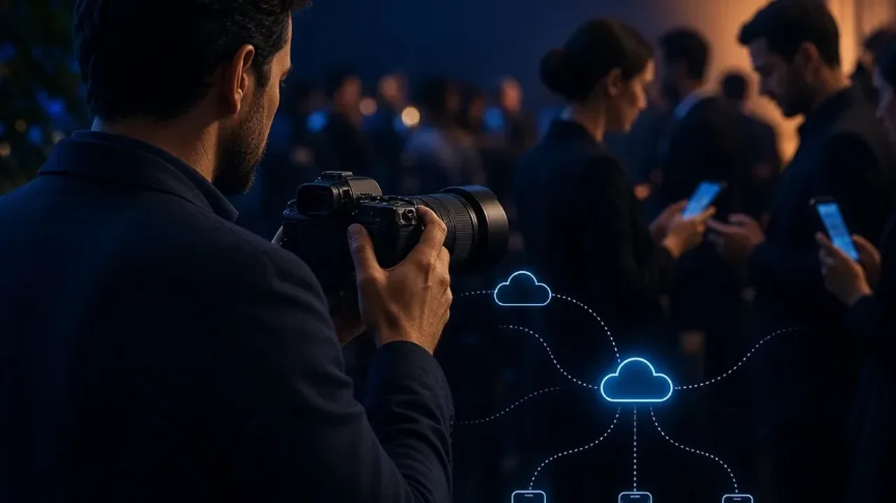
Live upload turns coverage into an on-site guest experience.
Where AI photo sharing helps
AI photo sharing (sometimes searched as photo sharing AI or AI photo share) is most valuable when volume is high. Face matching, highlights, and smart collections reduce the time between “gallery is live” and “guest found their photos.”
That is the difference between an AI photo sharing platform and a simple upload bucket. For the face-matching deep dive, see AI face recognition for event photography. For highlight reels during the event, see AI Event Highlights.
Best Practice: Publish a curated live set first (hero moments), then expand the gallery as editing finishes. Guests feel instant value without you releasing unfinished work.
Choosing the best photo sharing app for events
When people search for the best photo sharing app for events, they usually mean: fast access, easy guest UX, and professional control.
Check these criteria:
- Works in mobile browser (guest friction)
- Supports QR entry at the venue
- Offers AI discovery for large galleries
- Keeps your branding visible — Custom Website
- Handles privacy and download permissions
- Scales for weddings, corporates, schools, and festivals
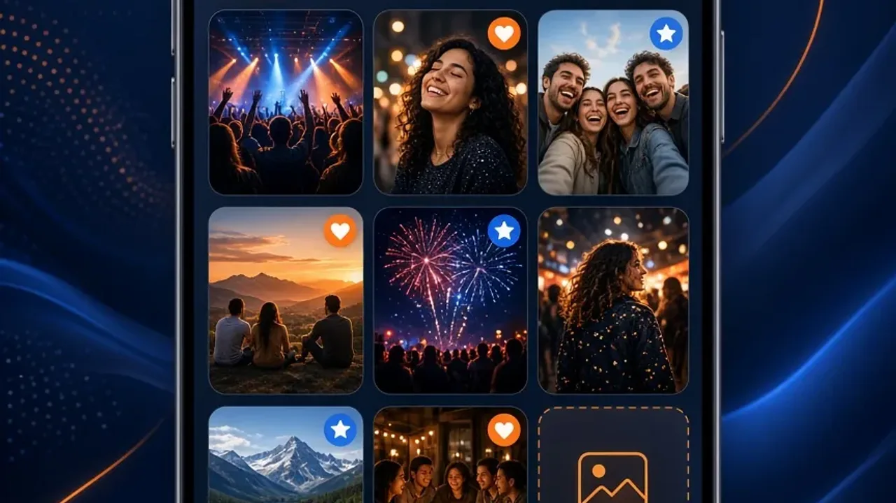
Guest UX is the real product. Features only matter if guests finish the journey.
Studios in the UK, USA, India, Philippines, Italy, Poland, and Russia ask the same question with different venues — the checklist above travels well. See also Custom Mobile App, My Photos, Cam-Shot TV, and live examples like Holi Event.
Photographer with instant sharing: a practical workflow
- Create the event and branding before the day
- Print or display QR codes at entry and tables
- Upload selects during the event (or right after key segments)
- Let guests use AI photo sharing to find themselves
- Follow up with the full edited gallery later
Instant sharing becomes a service tier you can sell — not unpaid chaos after midnight.
Turning instant sharing into a priced add-on
Cam-Shot AI supports same-day paths with QR access, face discovery, branded galleries, and analytics so you can prove engagement after the event.
Need platform buying criteria instead of same-day tactics? Read the guest-facing platform checklist. Need album/culling tools? Compare plans on Pricing.
Try Cam-Shot AI → · Pricing · Contact
Conclusion
Instant photo sharing is a delivery service you can sell — not a midnight WhatsApp chore. The right event photo delivery platform publishes approved selects quickly, keeps quality and brand intact, and lets guests finish the journey on their phone.
Price same-day access as an add-on, publish a curated live set first, and finish with the full edited gallery. That sequence protects your craft while meeting client speed expectations.
Explore More:
QR Code Photo Sharing for Events · AI Photo Sharing for Events · Event Photo Sharing · AI Photo Sharing for Events · How it Works · Platform Buying Checklist · AI Gallery · Photo Selling · Pricing