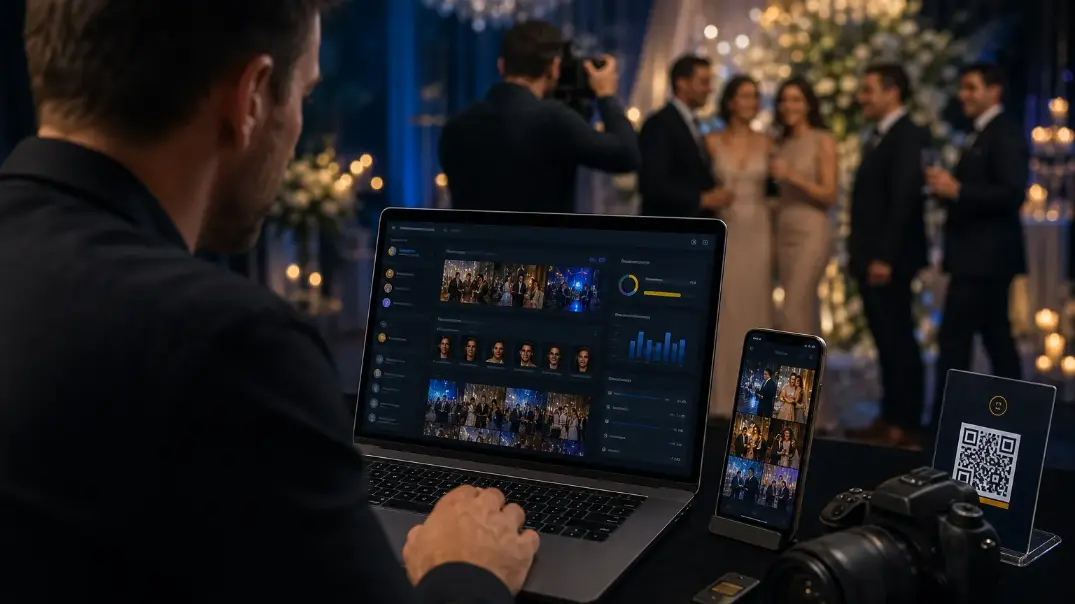
What photographers actually need from event photography software in 2026 — a requirements checklist and one-event trial plan, not another vendor feature dump.
Introduction

What photographers actually need from event photography software in 2026 — a requirements checklist and one-event trial plan, not another vendor feature dump.
That is why studios buy dedicated delivery software instead of relying on Drive folders and WhatsApp dumps.
This guide is not a market roundup. For platform-by-platform comparison, read Best Event Photography Software in 2026. Here, the goal is simpler: the requirements a working studio should insist on before paying for any tool.
Cam-Shot is designed around this approach.
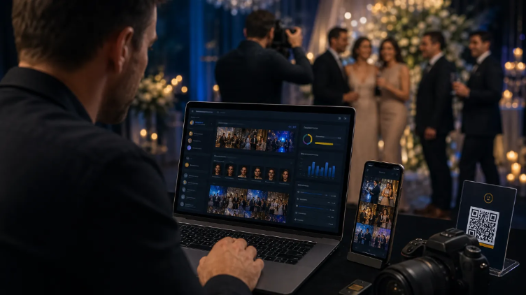
Delivery is part of the product clients buy — not an afterthought folder link.
What “need” means for a photography studio
Ignore feature marketing pages for a moment. Ask what the software must reduce:
Hours spent answering “send me my photos”
Guest friction at the venue
Brand loss behind generic cloud folders
Missed photo sales after the event
Chaos when multiple photographers upload
If a tool does not improve those outcomes, it is storage with a nicer UI — not delivery infrastructure.
Must-have requirements (checklist)
Use this as a buying scorecard. Score each item 1–5 after a real trial.
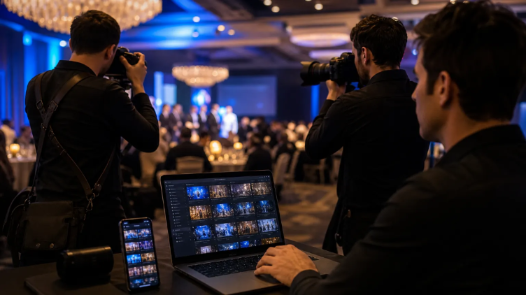
Score tools on guest success and studio hours saved — not feature-page length.
1. Guests can find their own photos
At 2,000+ images, a folder link fails. Guests need face-based discovery or another reliable personal gallery flow so they stop messaging the photographer.
Pass test: A guest who is not tech-savvy finds their photos in under a minute without studio help.
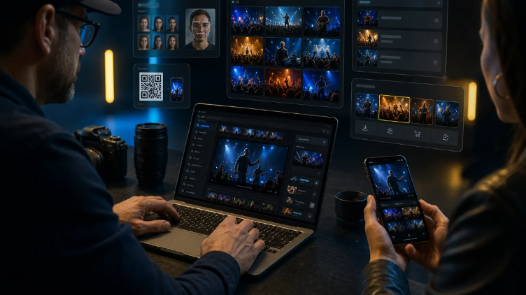
Discovery is the core delivery problem large events must solve.
2. Easy entry at the venue
QR or short-link access should open the gallery without app installs for most guests.
Pass test: Older relatives can open the gallery from a standee QR without creating an account first (unless you intentionally require privacy controls).
3. Your brand stays visible
Logo, colors, and studio identity should appear on the gallery experience. If guests only see Google Drive or a generic shell, you lose referrals.
Pass test: A screenshot of the gallery clearly looks like your studio.
4. Controlled downloads and privacy
Weddings, corporates, and schools need PIN, whitelist, or similar access controls — plus clear download rules.
Pass test: You can restrict an event and still let approved guests download the right files.
5. Team uploads without losing control
Large events need multiple photographers uploading into one event, with permissions that prevent accidental deletes or publish mistakes.
Pass test: A second shooter can upload; they cannot change pricing, branding, or delete the event.
6. Optional photo selling
Not every studio sells photos. If you do (schools, sports, conferences), selling should live inside the gallery — not in a separate shop tool.
Pass test: You can price one image, complete checkout, and confirm the buyer gets download rights.
7. Basic proof for clients
Corporate and agency clients often ask for engagement evidence: opens, downloads, registrations.
Pass test: After one event, you can share a simple activity summary without exporting spreadsheets by hand.
Nice-to-have (buy later if budget is tight)
These help, but they should not delay a move off Drive if must-haves are unmet:
AI highlights / auto-curated sets
Memory collections
TV casting / venue screens
Quotation builders
Deep white-label native apps
Prioritize delivery reliability first. Add polish second.
When Drive / WhatsApp is still enough
Keep generic tools if:
Events are small (a few dozen final images)
Guests are a closed family group
You are not selling photos
Support load after delivery is already low
Move to dedicated software when:
Galleries regularly exceed hundreds or thousands of images
Guests keep asking for “my photos”
You want branded delivery as part of the package
You shoot multi-photographer events
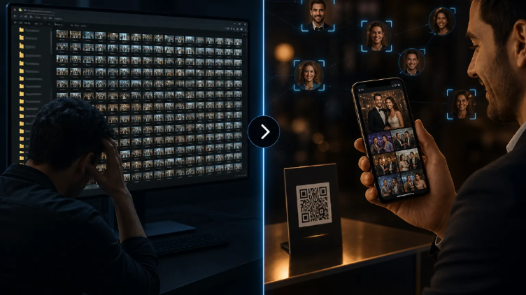
Storage holds files. Event software delivers a guest experience.
For a deeper storage comparison, see Google Drive vs event photography software.
One-event trial plan (do this before you subscribe)
- Run the same real event through any shortlisted tool:
- Create the event and set branding.
- Upload at least 300–500 real photos (not a demo pack).
- Invite a second photographer and test permissions.
- Put a QR on a phone screen and ask 5 non-photographer friends to enter.
- Ask each person to find photos of themselves.
- Test download rules and one paid download (if selling matters).
- Check whether support questions decrease compared with your last Drive delivery.
Whichever tool wins on guest success and studio hours saved — not the longest feature page — is the right buy.

One real event beats ten demo galleries when you choose software.
Guest-facing product criteria (QR, branding, privacy) are covered in more detail here: Event photo sharing platform buying checklist.
Where Cam-Shot fits
If your must-haves include face discovery, QR gallery access, branded studio pages, collaborator permissions, analytics, and optional in-gallery selling, Cam-Shot is built around that full loop:
Create event → upload → AI processing → face discovery → QR sharing → personal galleries → downloads → photo selling
Explore the product on Cam-Shot, How it works, AI Gallery, Photo Selling, and Pricing.
Conclusion
Photographers do not need every buzzword on a software page. They need software that cuts guest support, protects brand, and turns delivery into a professional experience.
Use the must-have checklist, run one real-event trial, then compare vendors. When you are ready for the market shortlist, use Best Event Photography Software in 2026.
Explore More:
Best Event Photography Software in 2026 · Platform Buying Checklist · QR Code Photo Sharing for Events · AI Photo Sharing for Events · AI Gallery · Photo Selling · Pricing