
Use AI photo selection tools inside event studio software to speed culling, client proofing, and wedding album shortlists — without replacing your editing stack.
Introduction
Shooting is only half the business. The other half is organizing, selecting, delivering, and (sometimes) selling photographs.
That is why studios invest in event photo software and broader event photography software — not another generic cloud drive. The right stack includes an AI photo selection tool, client-facing photo selection, and delivery that still feels like your brand.
This guide covers what modern event photography solutions should include, how AI helps wedding album workflows, and how to judge the best photo sharing platform for photographers. See how the full product stack works on the Cam-Shot AI homepage, Features, Photo Selection, AI Event Highlights, AI Gallery, and How it works — plus workflow articles on the Blog.
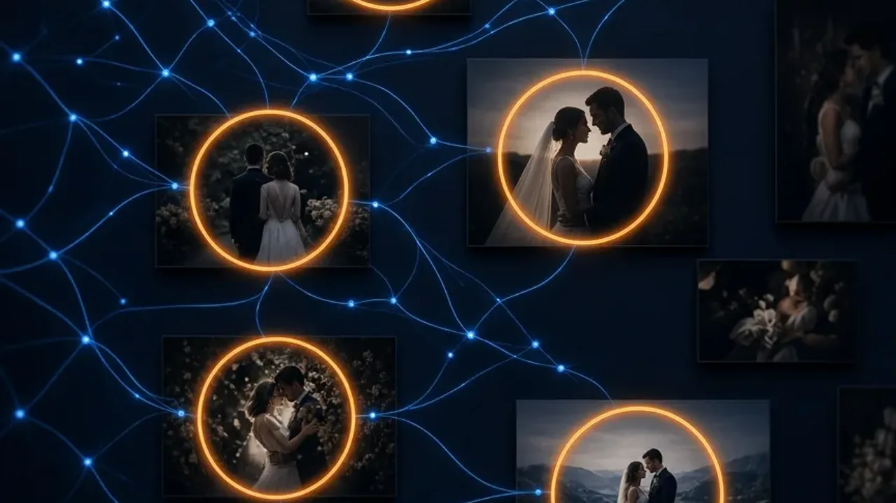
Selection is where hours disappear — unless software helps.
What event photo software should do
Event photo software sits after the camera and before the guest. Strong event photography software typically covers:
- Event creation and access controls
- Bulk upload and team collaboration
- AI discovery (face recognition / My Photos)
- Guest galleries and QR sharing
- Photo selection / proofing for albums — photo selection
- Branding, analytics, and optional selling
- Studio presence via Custom Website
If a tool only stores files, it is storage. If it runs the post-shoot workflow, it is event photo software.
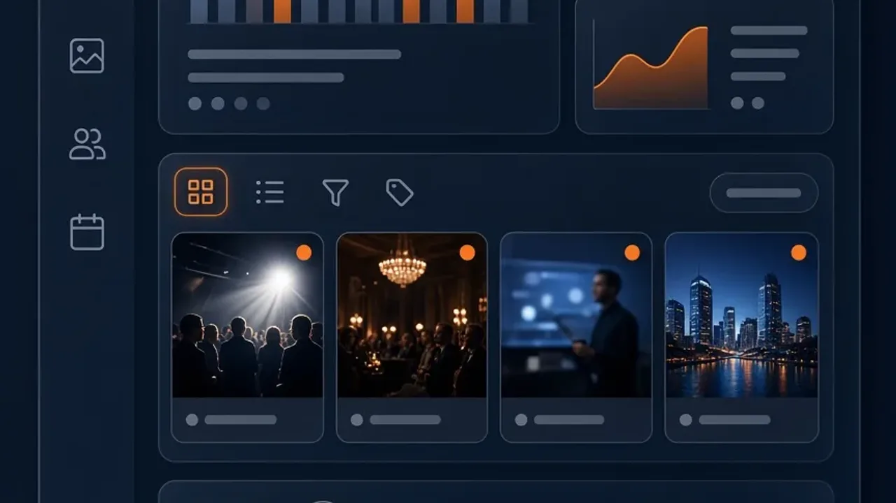
Studios need an operations layer — not another folder tree.
AI photo selection tool: beyond manual culling
An AI photo selection tool helps shortlist frames using signals like sharpness, faces, expressions, and scene variety. It does not replace your taste — it reduces the blank-stare phase of culling.
Photographers use AI selection to:
- Surface highlight candidates faster
- Build first-pass collections for clients
- Speed album proofing rounds
Pair that with guest-facing photo selection (likes, favorites, comments) and you close the loop between studio culling and client choices. See also AI event highlights and the collaborative flow on Photo Selection.
Common Mistake: Sending 2,000 uncurated images for album selection. Clients freeze. Send a strong shortlist first, then open wider access if needed.
AI wedding photographer matching and album selection
Searches for AI wedding photographer matching usually mean one of two things: matching guests to their photos, or matching couples to the right images for albums and prints.
Both matter:
- Guest matching — face recognition so relatives find themselves
- Album matching — AI-assisted shortlists plus client photo selection
Wedding workflows in India, Italy, the USA, and the UK differ in rituals and volume, but the selection bottleneck is universal.

AI shortlists. Couples decide. Photographers keep creative control.
For wedding-specific delivery, see wedding photo sharing and wedding industry.
Event photography solutions studios actually need
Buyers comparing event photography solutions should map tools to jobs:
| Job to solve | Solution focus |
|---|---|
| Guests cannot find photos | Face recognition galleries |
| Album proofing takes weeks | AI photo selection + client favorites |
| Brand disappears in Drive | Branded / white-label delivery |
| Same-day expectations | Instant sharing workflow |
| Extra revenue | In-gallery photo selling |
Poland school events, Philippines festivals, Russia multi-day celebrations, and USA conferences all hit different rows of that table — often more than one. Map your niche with wedding software, corporate photo sharing, school & college sharing, sports, and festivals.
Best photo sharing platform for photographers: a checklist
When evaluating the best photo sharing platform for photographers, ignore slogan AI. Score the workflow:
Upload speed and team roles
AI discovery and AI photo selection tool quality
Client photo selection UX on mobile
Branding and domain options — Custom Website
Privacy controls
Analytics and support during live events — analytics
Transparent pricing as volume grows — see pricing
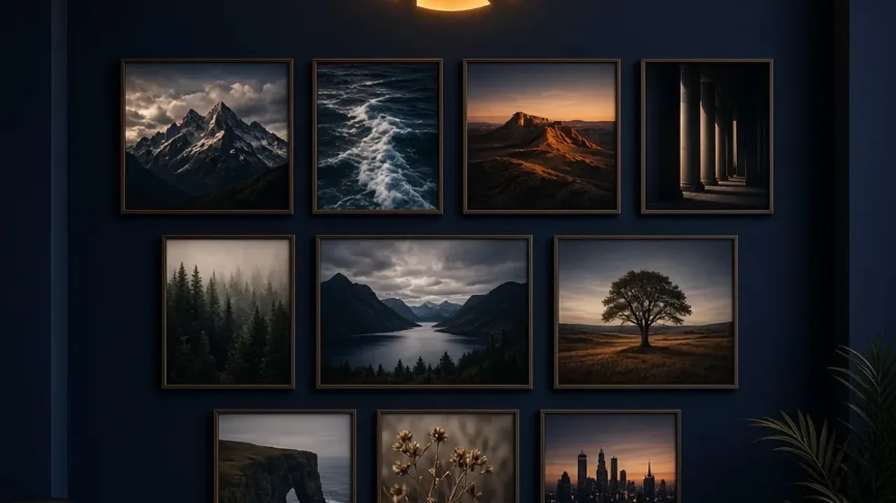
Your platform should look like your studio — not a generic file host.
Market roundup: best event photography software in 2026.
Where selection sits in the Cam-Shot workflow
Cam-Shot AI pairs delivery with selection: Photo Selection, AI Highlights, AI Gallery, and wedding photo sharing for guest-facing delivery.
This is not a “best software 2026” roundup — that lives here: best event photography software in 2026. For guest platform buying criteria, use the platform checklist.
Start with Cam-Shot AI: Contact · Pricing
Conclusion
An AI photo selection tool earns its place when it shortens culling and album rounds without replacing your taste. Pair studio shortlists with client photo selection, and wedding albums move faster with fewer email threads.
Judge software on selection UX and mobile proofing first. Editing stays in Lightroom (or your editor of choice). Delivery and selection belong in the event platform.
Explore More:
Photo Selection · AI Event Highlights · Wedding Photo Sharing · Best Event Photography Software in 2026 · Platform Buying Checklist · How it Works · AI Photo Sharing for Events · AI Gallery · Photo Selling · Pricing · All Blog Posts