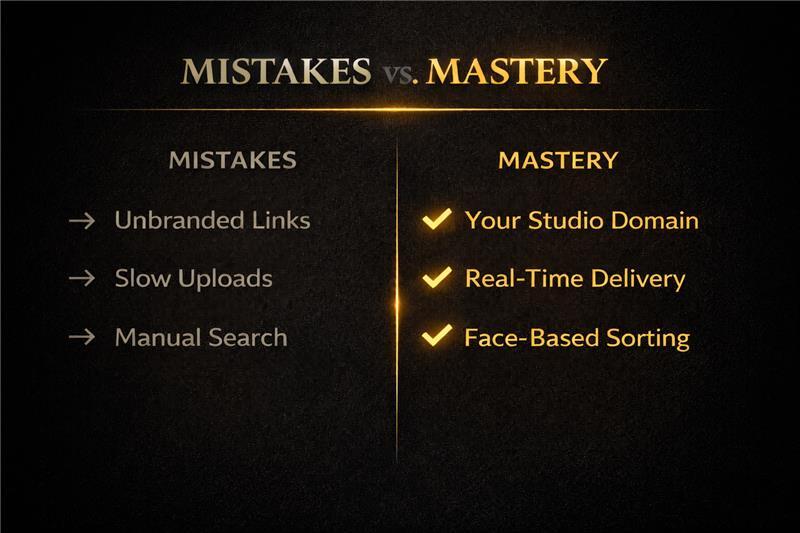
Discover the top 8 photo delivery mistakes event photographers make—and how to fix them. Learn how to improve speed, branding, guest experience, and privacy using AI-powered delivery systems in 2026.
"You can shoot flawlessly, edit beautifully, and still lose a client because the delivery experience fell short. The psychology of photo galleries is clear: how clients receive their photos shapes how they feel about the photos themselves."
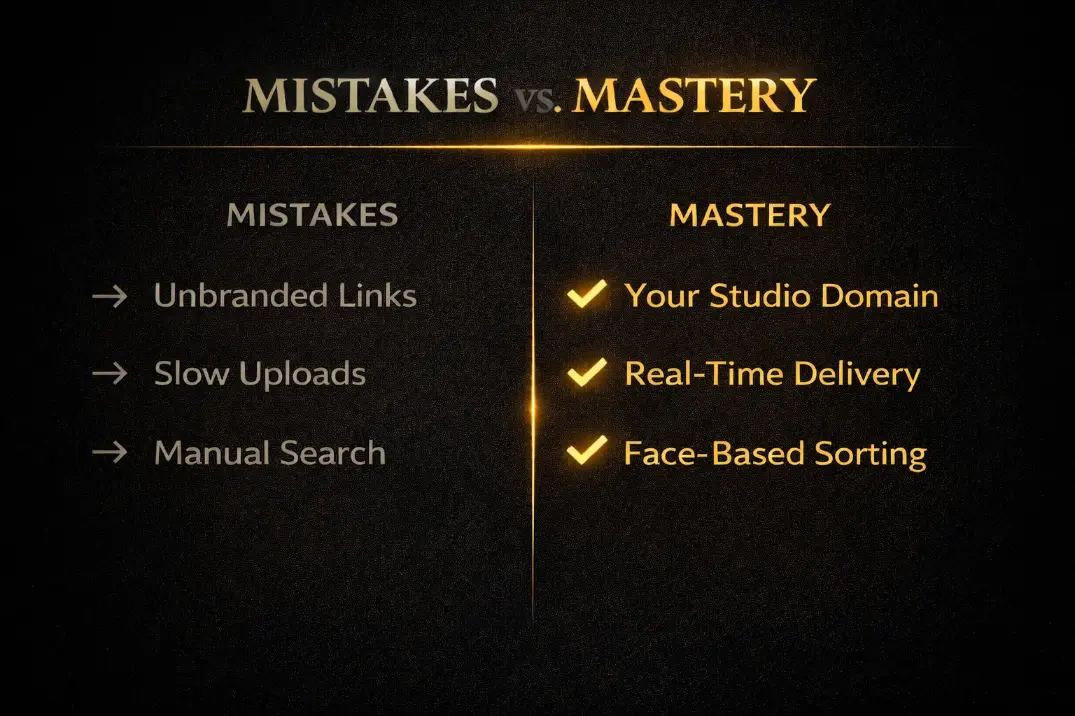
8 Delivery Mistakes — And Exactly How to Fix Each One
1. Using an Unbranded, Generic Delivery Link
The problem
A Google Drive link disconnects your brand at the worst moment. The psychology of photo galleries: presentation affects perceived quality.
The fix
Use Cam-Shot AI's white-label gallery with your logo, studio colours, and custom domain on every delivery.
2. Sending One Link to Hundreds of Guests
The problem
300+ guests scroll thousands of photos. Most never find all of their own images. The couple gets blamed for the chaos.
The fix
Use Cam-Shot AI face recognition — each guest self-serves via the instant photo finder. Zero extra work for you.
3. Delivering Too Slowly
The problem
"4–6 weeks" was acceptable in 2015. Emotional context decays fast. Photos delivered weeks late arrive into a different emotional state entirely.
The fix
Cam-Shot AI's real-time upload enables same-day or next-day delivery. This single change drives more satisfaction than any other improvement.
4. Compressing Photo Quality
The problem
WhatsApp reduces 12MB originals to under 2MB. Guests print compressed photos and wonder why they look "off" — they blame the photographer.
The fix
Cam-Shot AI preserves full resolution for all downloads. Compressed previews are only used for gallery browsing speed.
5. No Proactive Notification
The problem
Uploading photos and assuming clients check email is not a delivery strategy. Many clients never see the notification.
The fix
Cam-Shot AI's WhatsApp integration auto-notifies all registered guests the moment the gallery goes live.
6. No Photo Selection Tool
The problem
Email threads for album selection: "the one near the door, you know the one." Painful and error-prone for everyone.
The fix
Cam-Shot AI's Photo Selection tool lets clients like, comment, and shortlist in the gallery. Export in one click.
7. Ignoring the Mobile Experience
The problem
80%+ of gallery access is on mobile. A slow, awkward gallery lowers emotional satisfaction — this is well-documented in gallery psychology.
The fix
Cam-Shot AI is built mobile-first. Native iOS and Android Cam-Shot apps deliver the best possible guest experience.
8. Not Protecting Guest Privacy
The problem
A gallery where any guest can browse every photo is a privacy issue — especially at corporate events and school functions.
The fix
AI face recognition shows each guest only their photos. PIN protection + privacy controls give full visibility control.
Fix Every Delivery Mistake — Free for 1 Month
No credit card required. Full platform access. Fix all 8 mistakes starting from your very next event.
👉 Start Free Trial — cam-shot.ai
👉 See All Features — cam-shot.ai/features
👉 Download Cam-Shot App